From one logo to the whole brand kit
Markwright draws construction grids, a client presentation, brand guidelines, bento boards and every logo file from the artwork you drew. In your browser, in Figma or in Illustrator.
Free while in early access. No account, and your files never leave your computer.
Concepts
Colours
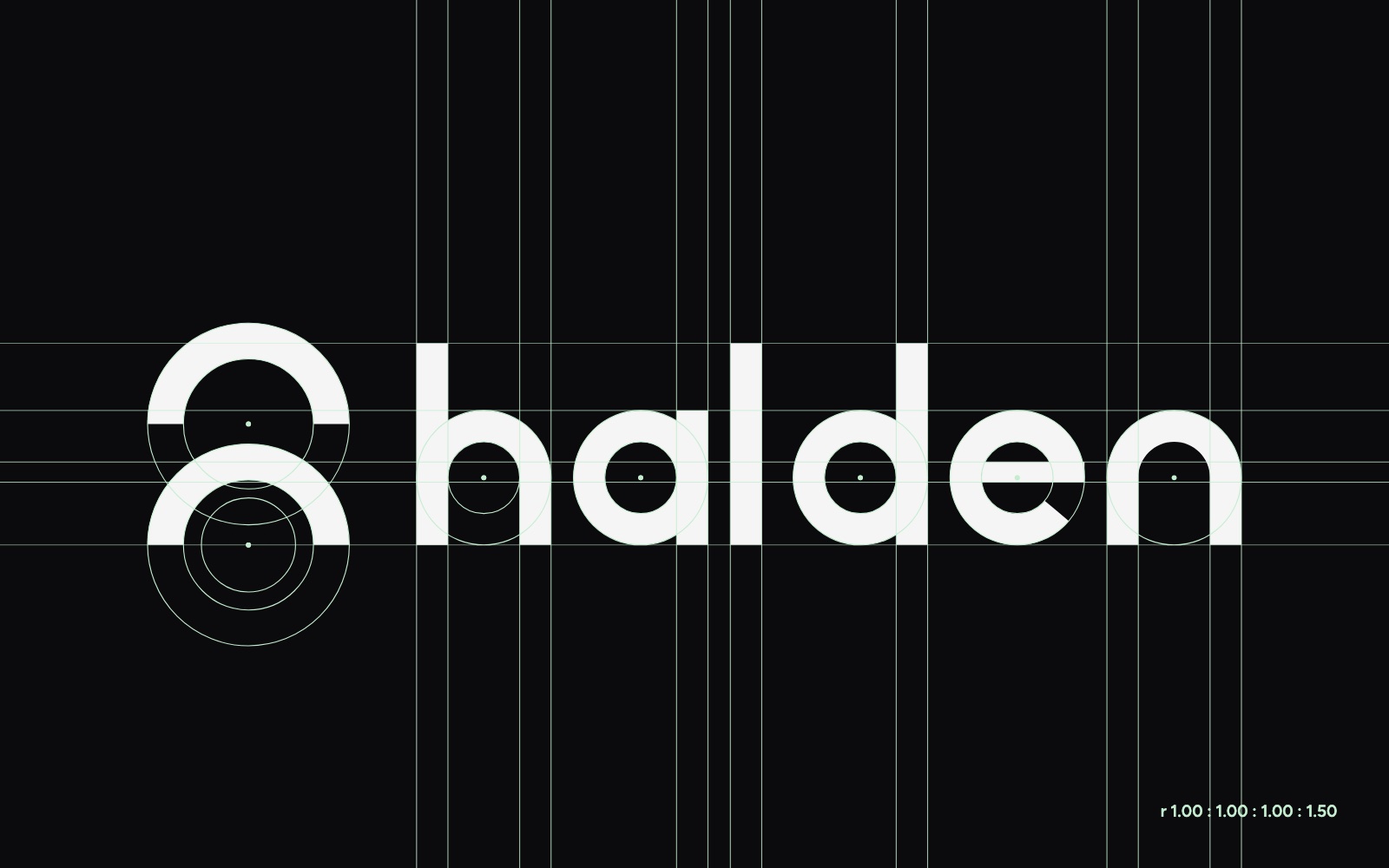
Grid
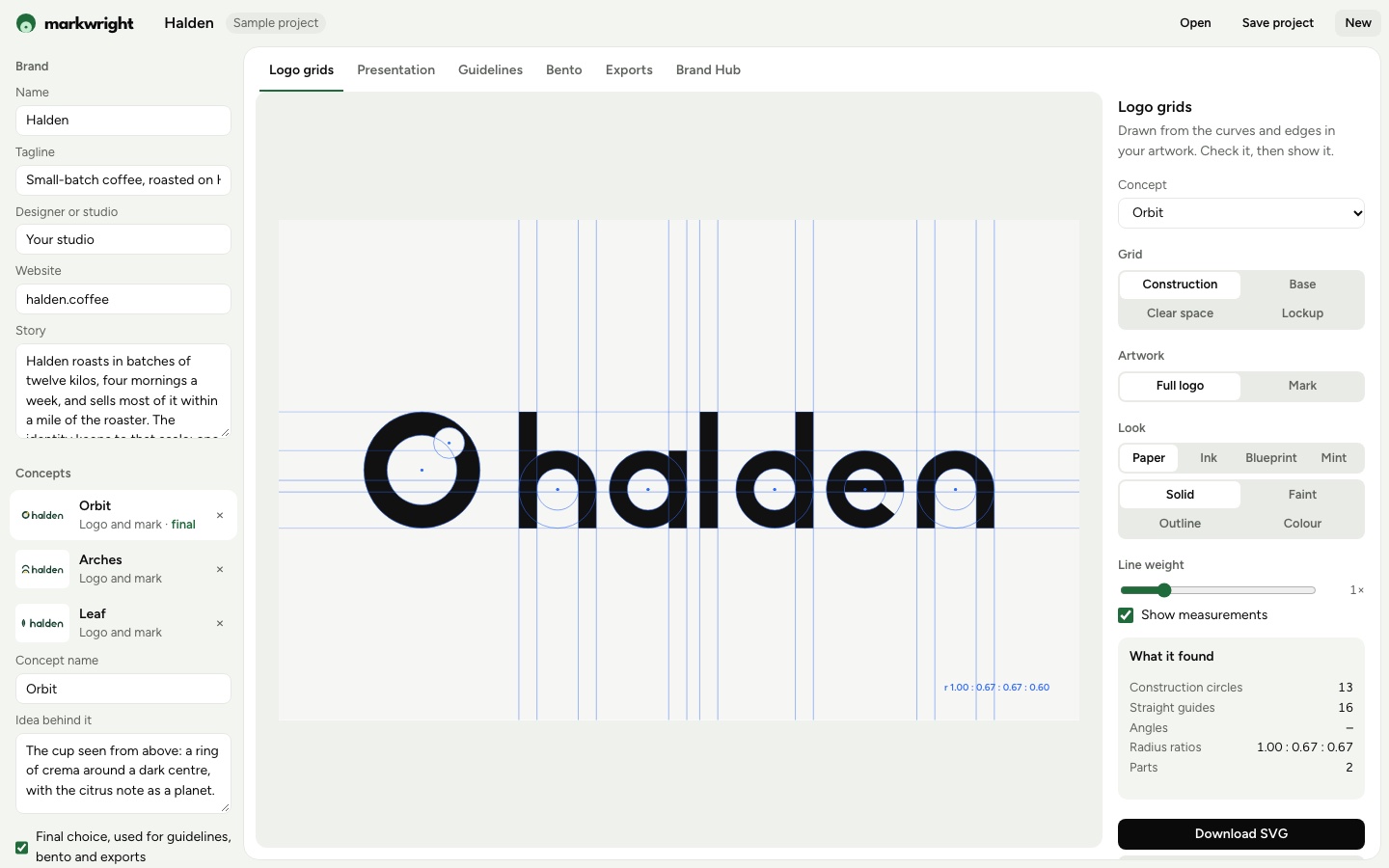
What it found
- Construction circles
- 13
- Straight guides
- 16
- Radius ratios
- 1.00 : 0.67
- Parts
- 2
. It is read in this tab and never uploaded.
4grids
Check the drawing
Construction circles, angles, clear space and lockup spacing, found in the curves you drew.
43pages
Present three concepts
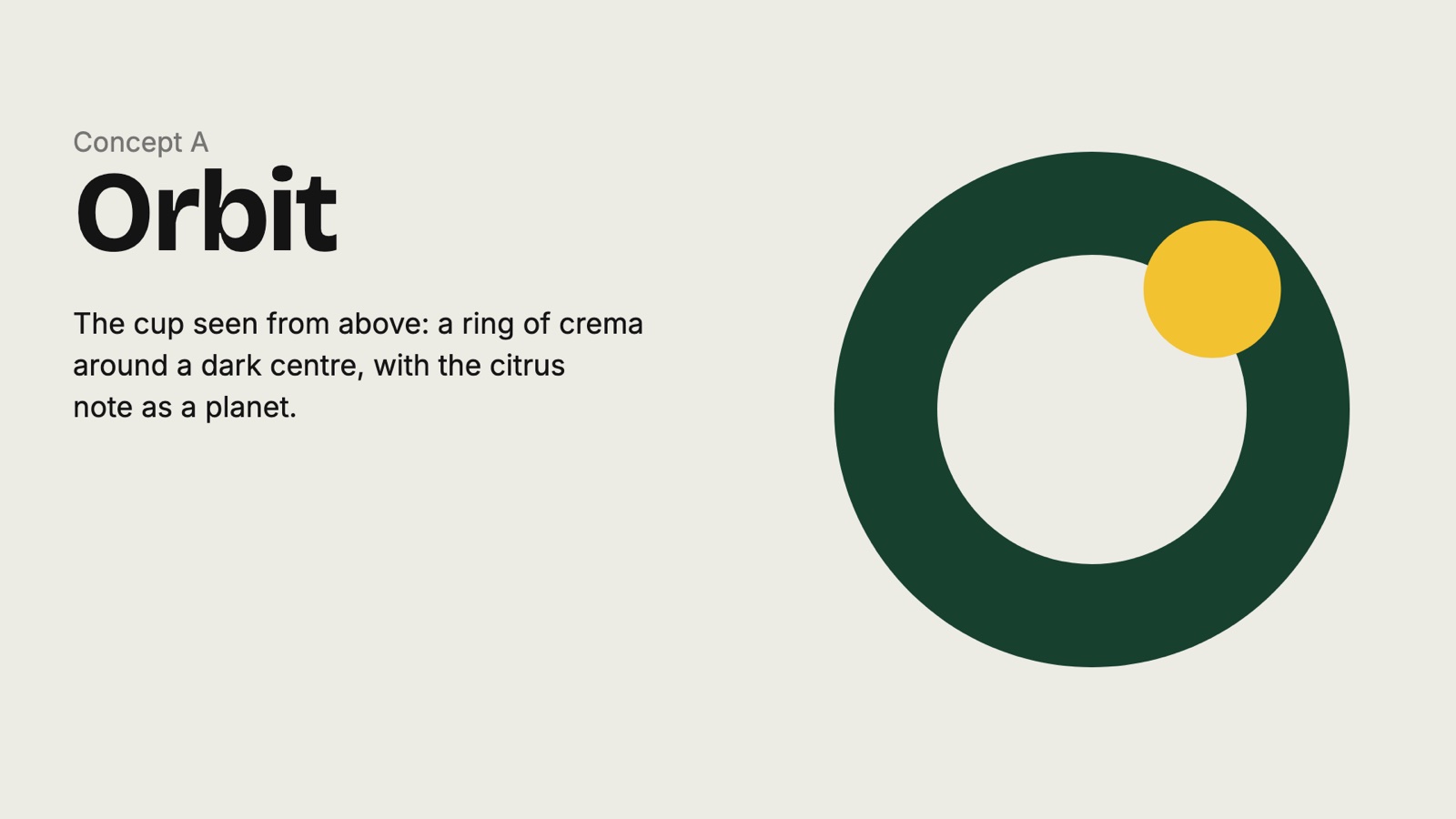
Thirteen pages a concept: light and dark, grid, colour, type, stationery, icons and pattern.
57files
Hand over everything
Guidelines, every logo file in every format, and one link the client can come back to.
Six tools, one brand.
Fill in the brand once. Every tool reads it, so a colour changed once changes every page and every file.
- Fits a circle to every curve, finds the edges that share a line and reads the heights your letters share. Construction, base, clear space and lockup, in four looks.
Open in the studio → - Up to three concepts in one deck: cover, brief, each concept on light and dark, its grid, colour, type and mock-ups. One PDF for the call.
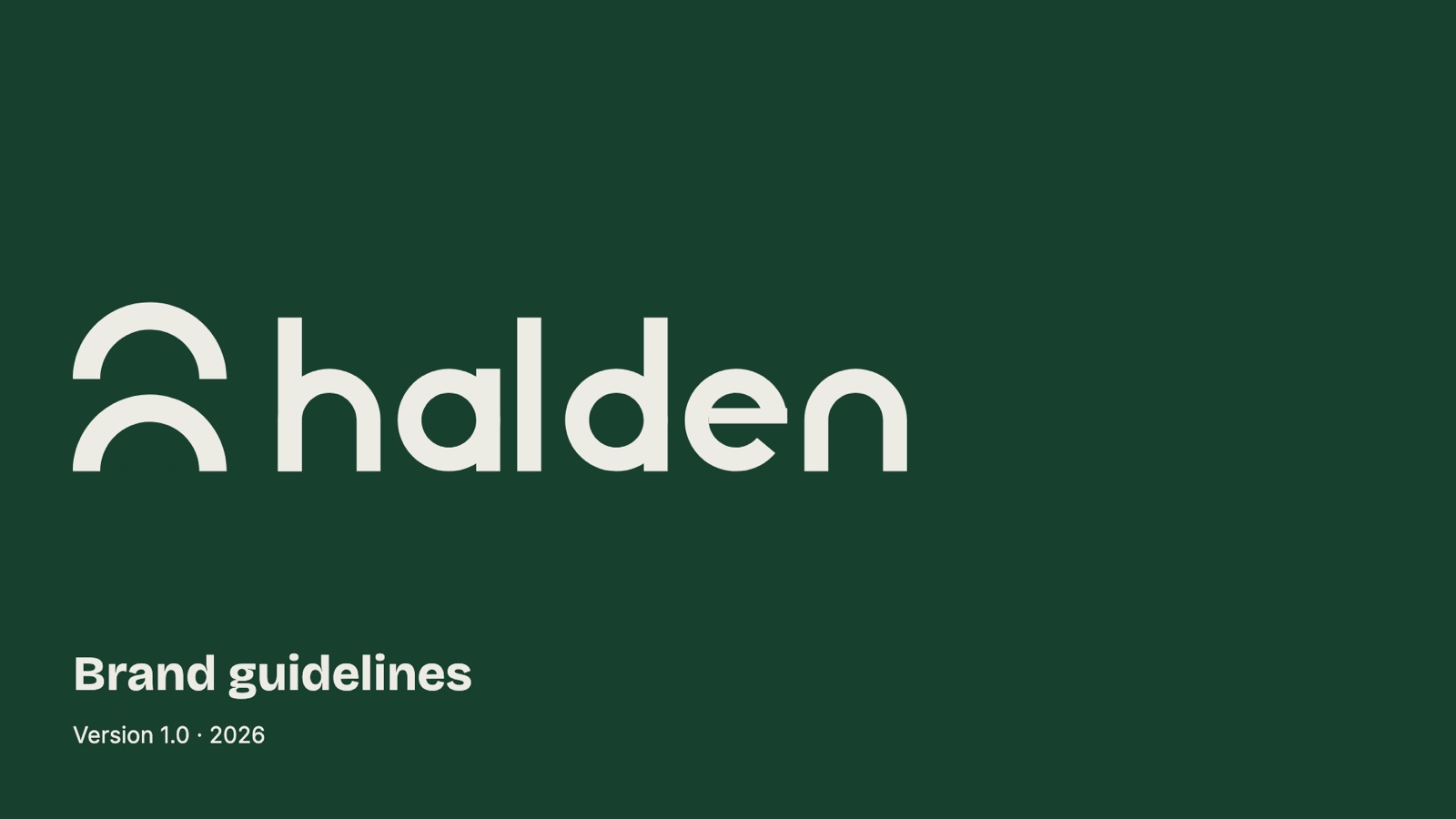
Open in the studio → - Sixteen pages from the final concept in Swiss, Editorial or Bold, with misuse, colour codes for screen and print, and type hierarchy.
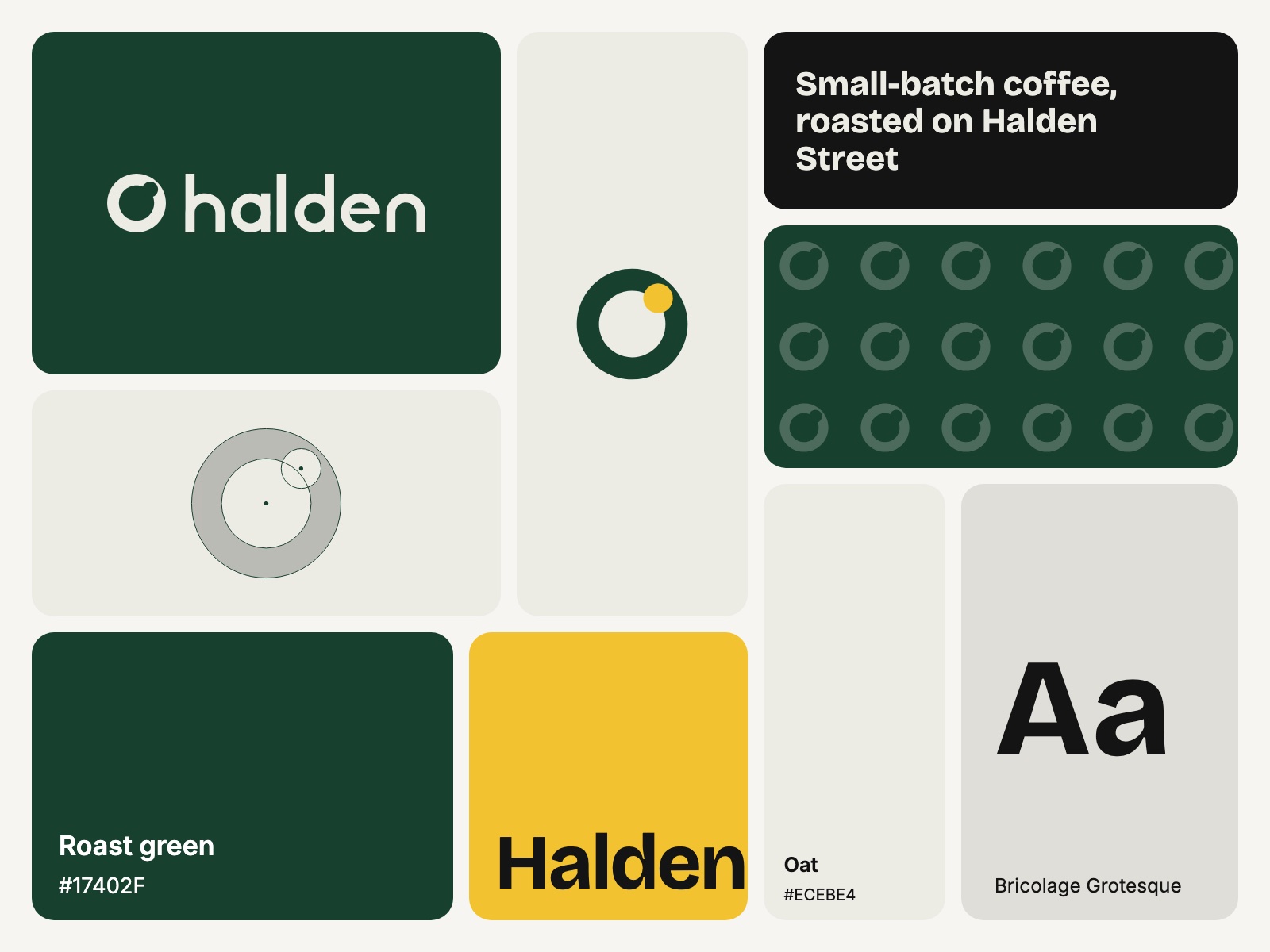
Open in the studio → - Boards of tiles from the brand for portfolios and social posts, in five sizes, from three tiles to twelve. Shuffle until one fits.
Open in the studio → - Full colour, black, white and reversed as SVG, vector PDF, PNG and JPG, plus favicons and a page that tells the client which file to use.
Open in the studio → - One link for the client with the guidelines, the files and the colours. Publish again and the same link shows the new version.
Open in the studio →
Made in minutes, from one logo.
Every picture here came out of Markwright from a single sample: Halden, a coffee roaster with three logo concepts.
Rules, not a prompt.
Markwright measures the logo you made. It never invents a mark, a colour or a page on your behalf.
It reads your curves
Each grid is fitted to the paths in your file, so what it shows is how the logo is really built.
Same logo, same result
Run it twice and you get the same grid, the same pages and the same files.
Your files stay put
Everything happens on your computer. Only a Brand Hub link you publish leaves it.
Everything stays editable
Change the brand and every page follows. In Figma and Illustrator the results land as vectors.
Works where you draw.
- In your browser
- The studio opens with nothing to install. Drop an SVG and start.
- In Figma
- Select the logo, press Use selection, and place pages and grids as frames.
- In Illustrator
- A panel for Illustrator 2021 and later that places results on new artboards and saves exports into a folder.
What it costs.
Nothing while Markwright is in early access. No account, no watermark and no limit on projects.
Markwright
$0a month
- All six tools
- The web studio
- Figma plugin
- Illustrator panel
- Brand Hub links
- Every update
Made by Kitefold Labs. Questions go to kitefold.labs@gmail.com.
Questions.
Does Markwright use AI?
No. Every grid, page and file is built by rules from the logo you drew. It fits a circle to each curve, groups straight edges that share a line and reads the heights your letters share.
Where do my files go?
Nowhere. The studio reads your SVG in the browser tab and keeps the project on your device. The only thing that leaves it is a Brand Hub link, and only when you press Publish.
What file should I bring?
An SVG with its text outlined, from Illustrator, Figma, Affinity or Inkscape. In the Figma plugin and the Illustrator panel you select the artwork and press Use selection instead.
What is in the export pack?
The logo and the mark in full colour, black, white and reversed, each as SVG, vector PDF, PNG at three widths and JPG, plus favicons, an Apple touch icon and a one-page guide to which file to use.
How do I get the Figma plugin and the Illustrator panel?
They are on their way to the Figma Community and Adobe Exchange. Until they are listed, write to kitefold.labs@gmail.com for an early build.
Does my client see updates on Brand Hub?
Yes. Publish changes from the same project and the link your client already has shows the new version. Add a passcode if you like, and take a link down at any time.
Start a project
Opens the studio with a new project under that name. Nothing is uploaded.